Authentication
calrs supports two authentication methods: local accounts and OIDC (OpenID Connect) SSO.
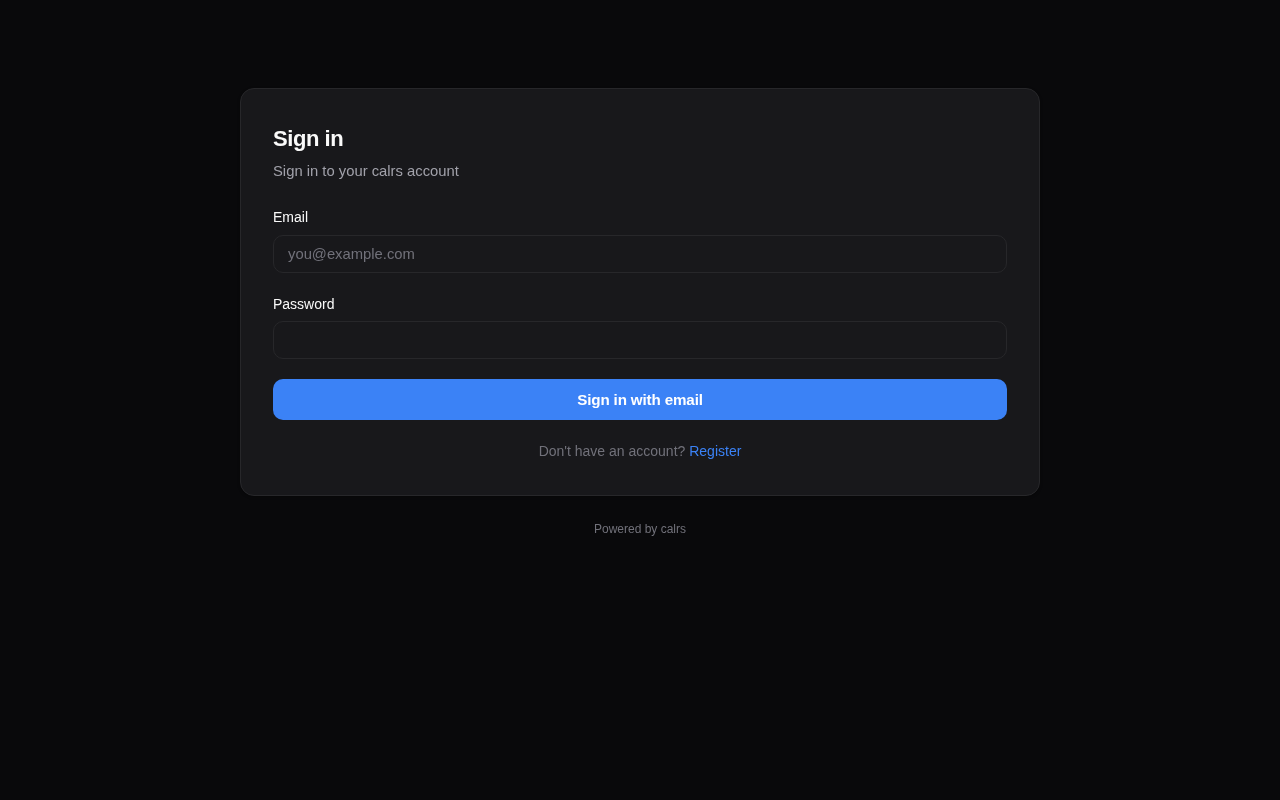
Local accounts
Registration
- The first user to register becomes admin
- Registration can be enabled/disabled from the admin dashboard or CLI
- Registration can be restricted to specific email domains
# Disable open registration
calrs config auth --registration false

# Restrict to a domain
calrs config auth --allowed-domains company.com

# Allow any domain
calrs config auth --allowed-domains any
Password hashing
Passwords are hashed with Argon2 (via the argon2 crate with password-hash). Plain-text passwords are never stored.
Sessions
- Server-side sessions stored in SQLite
- 30-day TTL
- Session ID in an HttpOnly cookie (not accessible to JavaScript)
- Sessions are invalidated on logout
User management (CLI)
calrs user create --email alice@example.com --name "Alice" --admin
calrs user list
calrs user set-password alice@example.com
calrs user promote alice@example.com    # → admin
calrs user demote alice@example.com     # → user
calrs user disable alice@example.com
calrs user enable alice@example.com
OIDC / SSO
calrs supports OpenID Connect for single sign-on, tested with Keycloak and compatible with any OIDC provider (Authentik, Auth0, etc.).
Using Authentik? See the dedicated Authentik (OIDC SSO) page — it covers the full setup plus the
email_verifiedclaim gotcha introduced in Authentik 2025.10 that otherwise blocks every login.
Features
- Authorization code flow with PKCE — no client secret stored in the browser
- Auto-discovery — reads
.well-known/openid-configurationfrom the issuer URL - User linking by email — if a local user exists with the same email, the OIDC identity is linked
- Auto-registration — new users are created on first OIDC login (if enabled)
- Group sync — groups from the
groupsJWT claim are synced on each login and can be linked to teams
Configuration
calrs config oidc \
  --issuer-url https://keycloak.example.com/realms/your-realm \
  --client-id calrs \
  --client-secret YOUR_CLIENT_SECRET \
  --enabled true \
  --auto-register true
Or from the Admin dashboard > OIDC section.
Keycloak setup
- Create a new OpenID Connect client:
- Client ID:
calrs - Client authentication: ON (confidential)
- Valid redirect URIs:
https://your-calrs-host/auth/oidc/callback - Web origins:
https://your-calrs-host
- Client ID:
- Copy the Client secret from the Credentials tab
- Set
CALRS_BASE_URLto your public URL before starting the server
The login page will show a “Sign in with SSO” button when OIDC is enabled.
User roles
| Role | Capabilities |
|---|---|
user | Manage own event types, calendar sources, bookings |
team admin | Everything above + manage team event types and team members |
admin | Everything above + user management, auth settings, OIDC config, SMTP config |
The first registered user is automatically promoted to admin.
Email notifications (SMTP)
SMTP configuration is required for booking confirmation emails. Without it, bookings still work but no emails are sent.
calrs config smtp \
  --host smtp.example.com \
  --port 587 \
  --username calrs@example.com \
  --from-email calrs@example.com \
  --from-name "calrs"

# Test the configuration
calrs config smtp-test you@example.com

# View current config
calrs config show
Or configure from the Admin dashboard > SMTP section.