A complete scheduling platform that runs on your infrastructure. No vendor lock-in, no monthly fees.
📅
Your calendars, connected
Read busy time and write confirmed bookings through CalDAV, Google Calendar, Microsoft Graph or on-premises Exchange EWS. Choose which calendars to sync, which block each meeting, and where bookings land. Calendar integrations.
⚡
Availability that fits your day
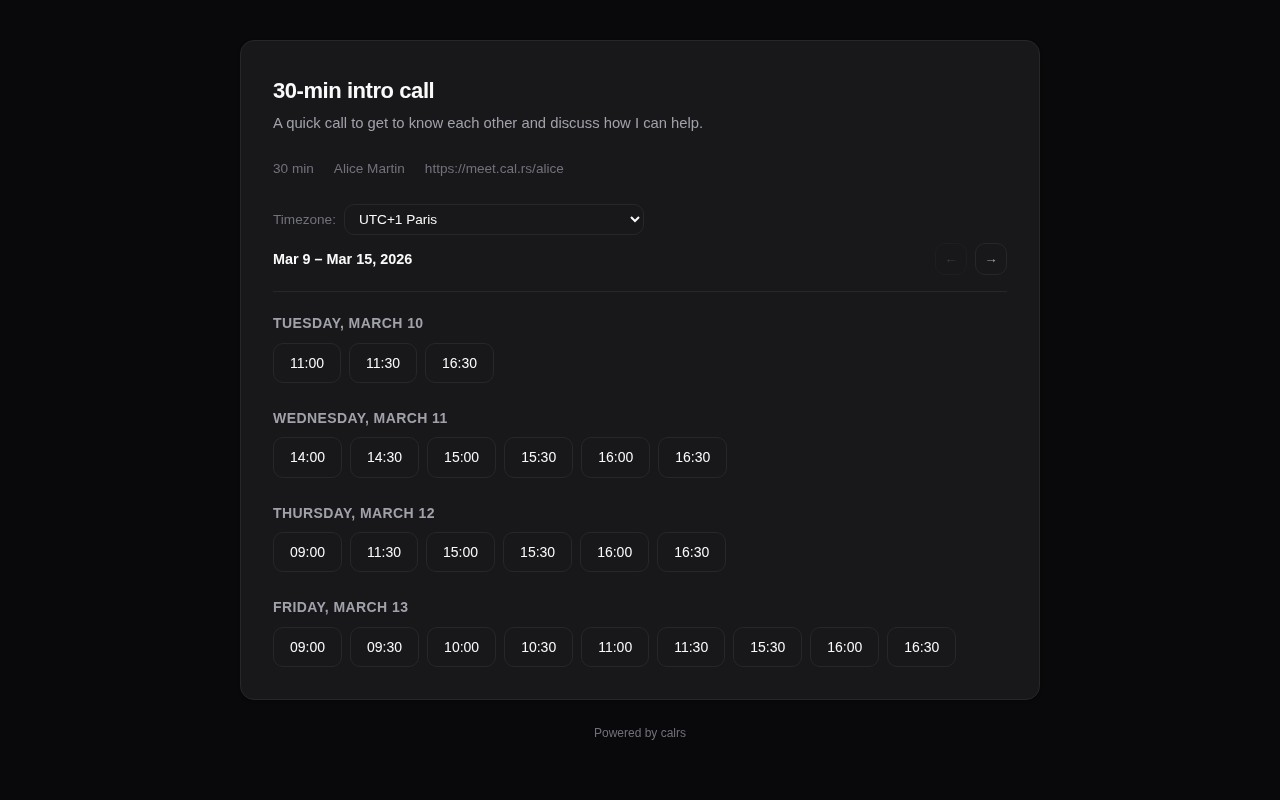
Set working hours, split shifts, buffers and notice. Add time off across all your meetings or override one event on a date. Recurring calendar events, out-of-office time and existing bookings keep busy slots out of the picker. Availability rules.
🌐
Teams across timezones
Round-robin finds an available member by priority and workload; collective meetings need everyone. Each person’s working hours and calendar are checked in their own timezone. Create ad-hoc groups with a link like /u/alice+bob/intro. Team scheduling.
📝
Ask the right questions
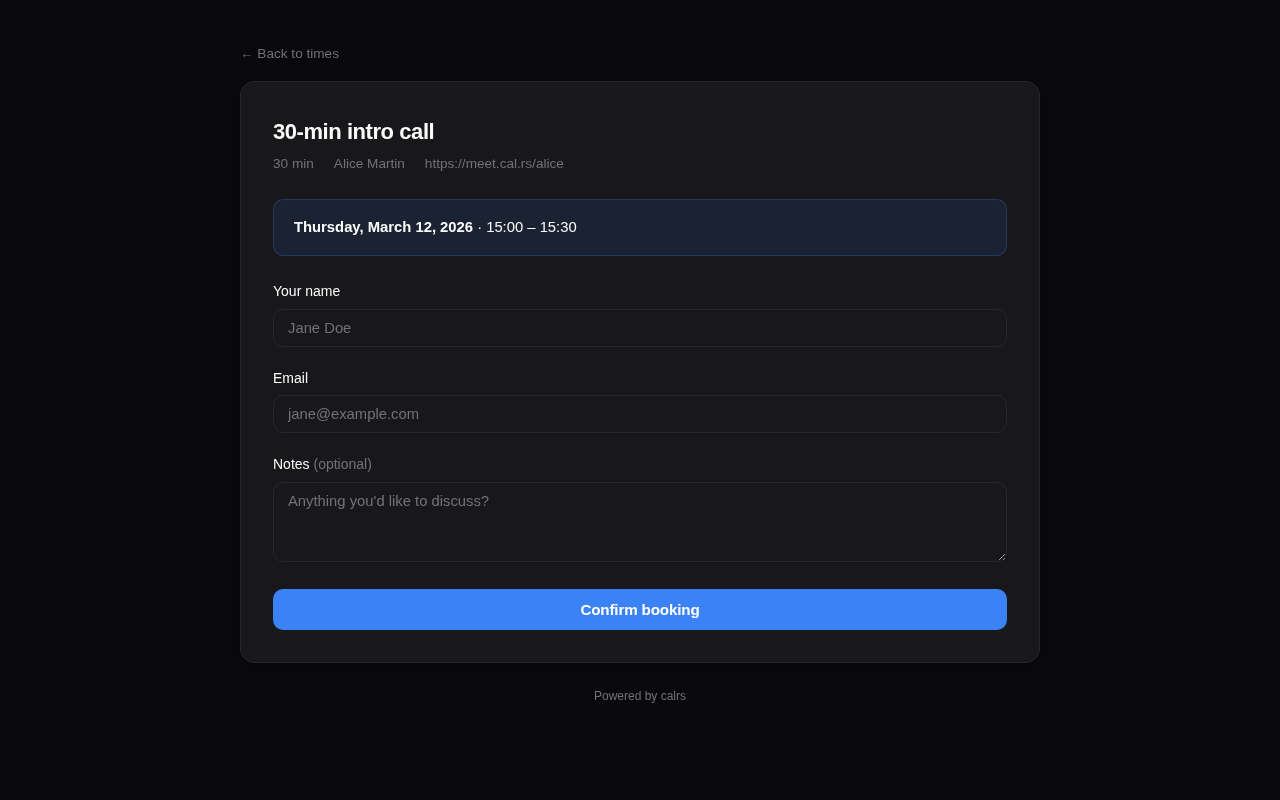
Add text, choice and checkbox questions to each booking form. Require the answers you need, include consent and policy links, and keep the wording the guest actually answered. Decide which answers reach host calendars. Booking questions.
✅
Keep control of requests
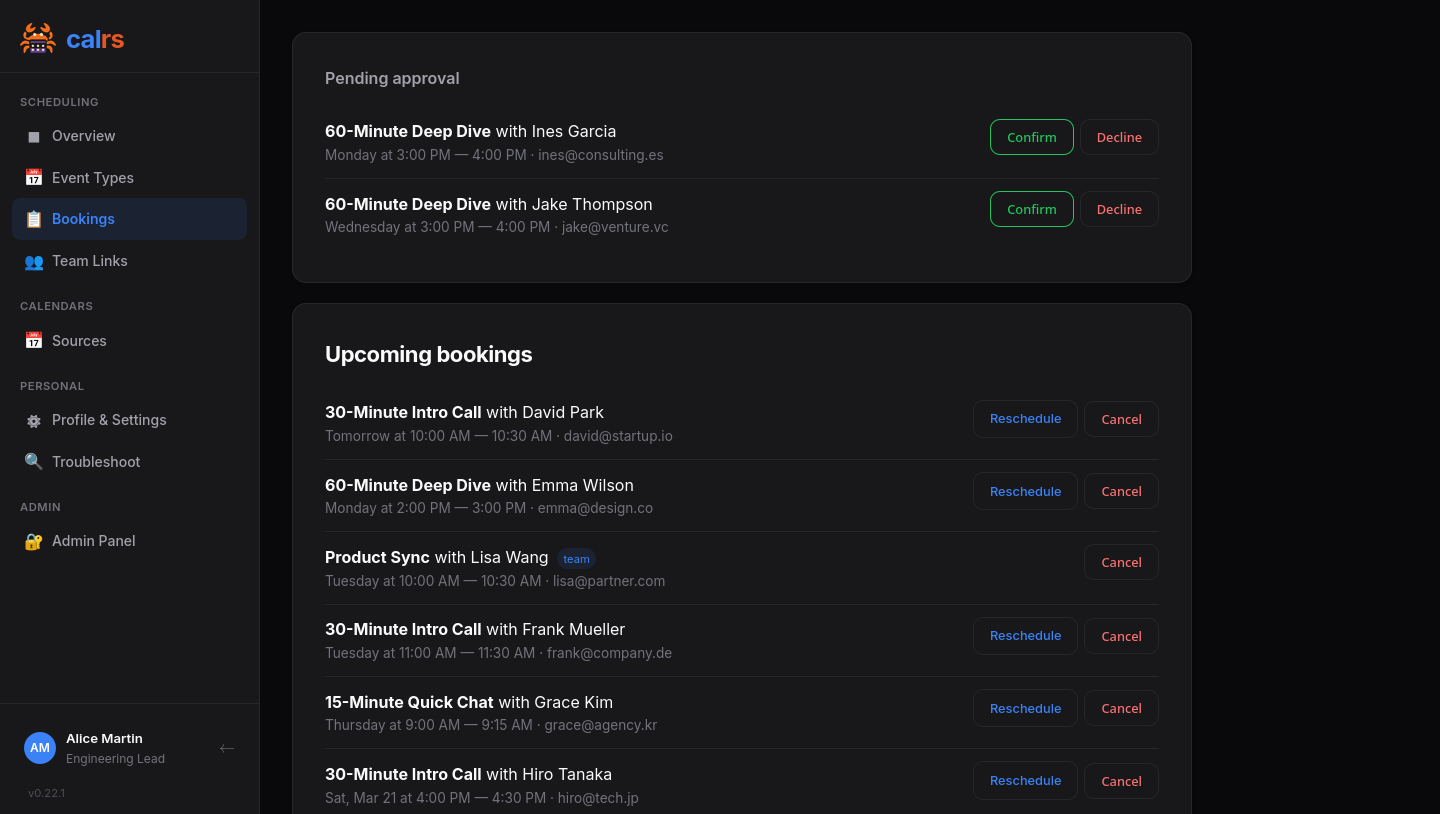
Confirm automatically or approve each request. Pending requests can hold their slot, expire and remind you to answer. Guests can cancel or request a new time within your notice rules; hosts can reschedule or ask guests to choose again. Booking lifecycle.
📆
Bound your calendar
Set daily, weekly, monthly or yearly caps, including per-member team limits. Offer a rolling booking horizon or fixed dates for a conference. Guests choose month, week or column views, their timezone and their clock format. Limits and booking windows.
🔗
Share the right meeting
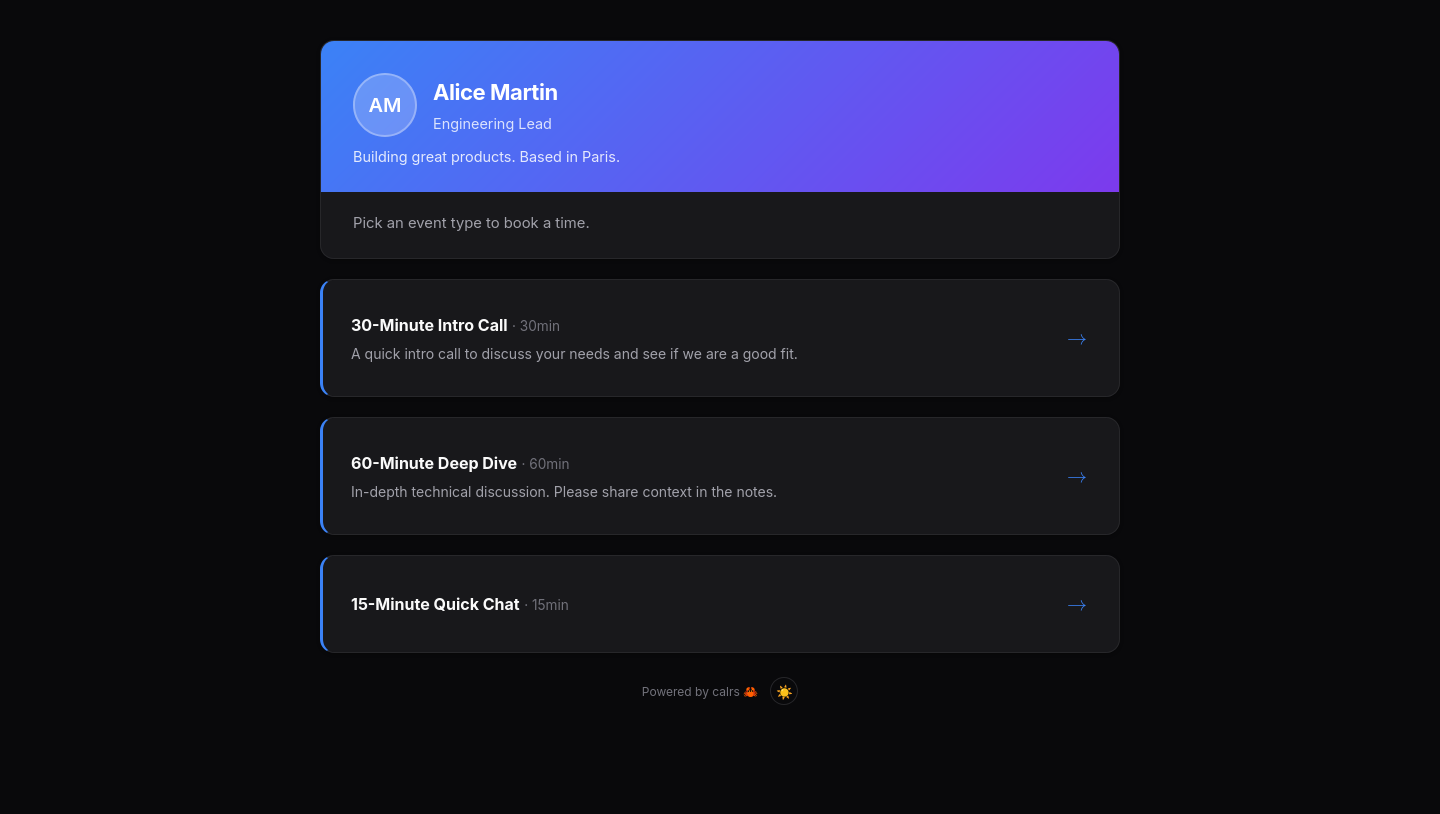
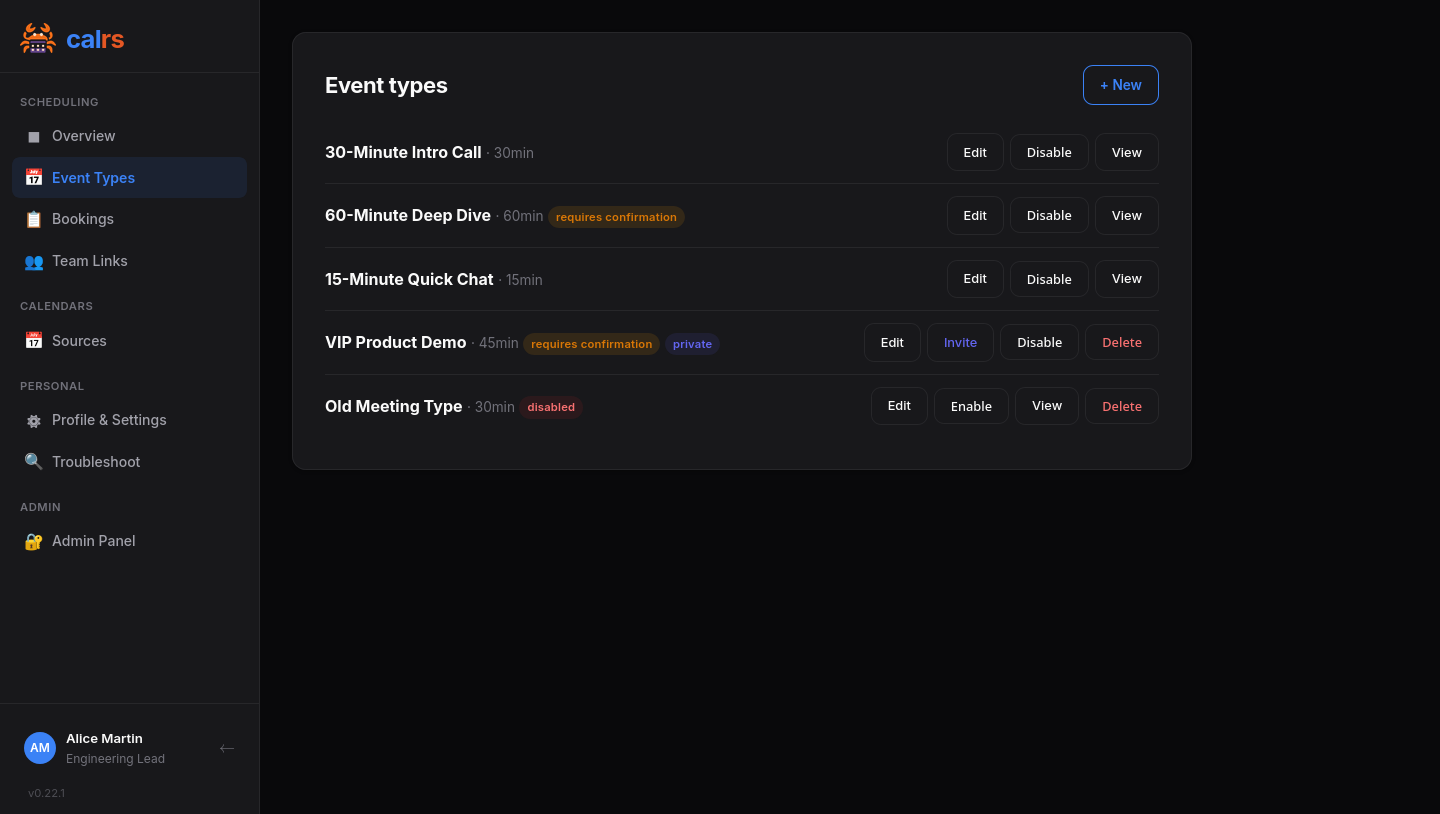
Publish a profile with meeting sections and ordering, keep meetings internal for colleagues to share, or send private invitations. Search the booking directory, star favorites and generate single-use links. Dashboard and sharing.
👥
Rooms, resources and watchers
Reserve a demo lab or meeting room alongside your hosts. Restrict resource setup by team, require all resources or any one available resource, and let watcher teams claim bookings when someone is ready to help. Shared resources.
📧
Email that follows the booking
Translated confirmations, reminders, approvals and calendar invitations. Guest messages use the host’s name and Reply-To, with an optional footer. Additional attendees receive updates; confirmed bookings offer an .ics download even without SMTP. Email notifications.
📨
Optional SMS
Send guest confirmations, cancellations, reschedules and reminders through Twilio, GatewayAPI, seven.io or your own gateway. Set a daily limit in billed segments, including test sends, and inspect usage from the admin panel. SMS setup.
🎥
A place to meet
Use a static video link, phone number or in-person address. Generate a Jitsi room, create a host-owned Google Meet, or have a meeting-provider webhook return a URL when a booking is confirmed. Meeting locations.
🧩
Booking on your own website
Embed an inline calendar, add a floating booking button or connect an existing button to a modal. Choose the layout, theme and accent; optionally fix the clock format or show in-person meetings in the event’s timezone. Embed examples.
🔌
REST API and OpenAPI
Use scoped personal tokens or OAuth to list event types, read slots and manage supported booking operations, including question answers. Explore the generated OpenAPI 3.1 document and interactive reference on your instance. REST API reference.
🤖
MCP with OAuth
Connect an OAuth-capable MCP client over Streamable HTTP. Let it list your event types, create invitation links and read cached busy intervals after you approve access. Review and revoke clients from Connected apps. MCP integration.
🔄
Booking webhooks
Send signed booking lifecycle events to your integrations. A delivery queue handles retries and stable IDs help receivers deduplicate. Host-only notes stay out of webhook payloads. Webhook events and signatures.
🔒
Identity and access
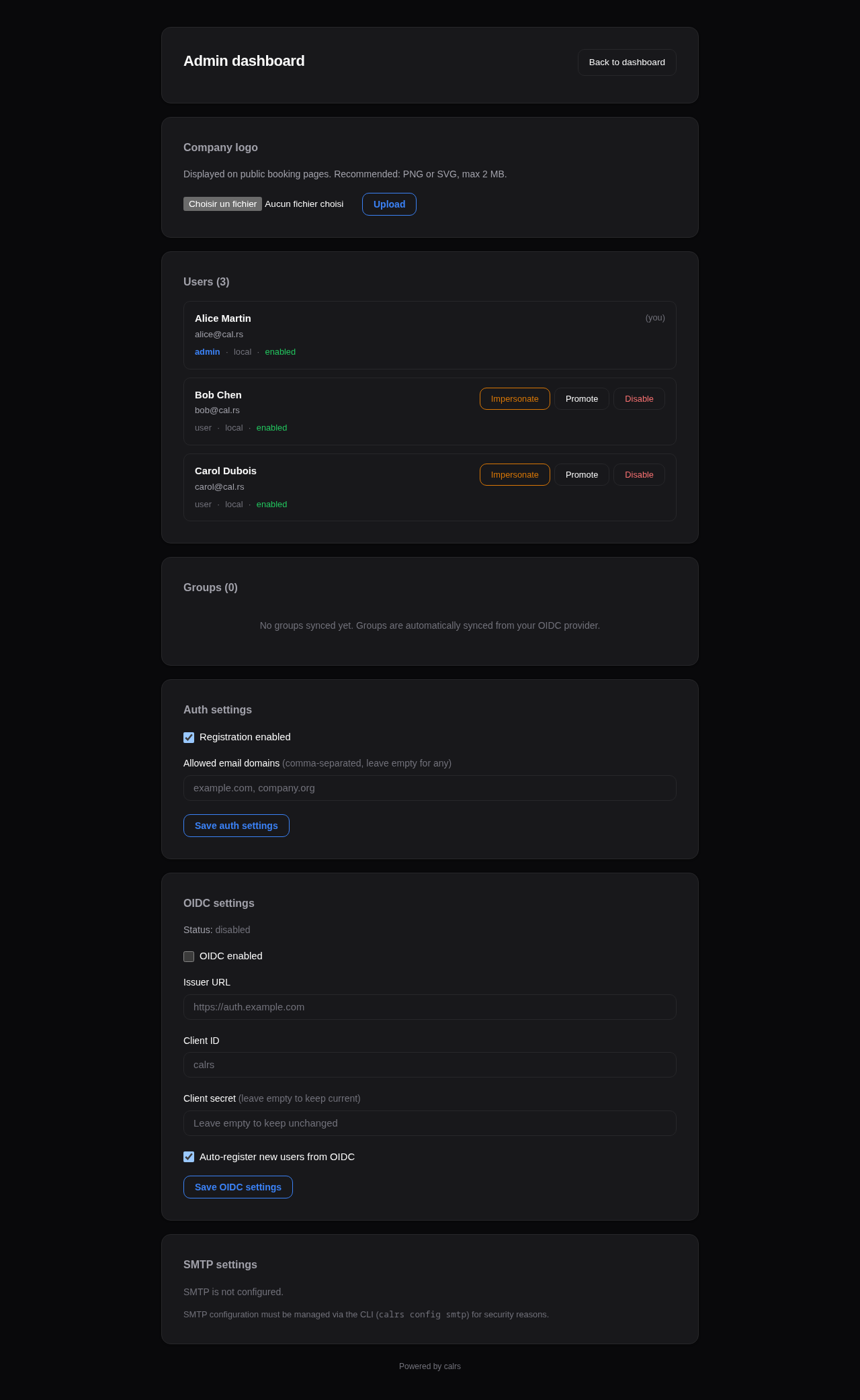
Local accounts with optional or required TOTP and recovery codes, or OIDC SSO with group sync. Control registration, users and integration permissions. Configure trusted proxies, encrypted credentials and optional Cap captcha. Sign-in and security.
🎨
Make it yours
A redesigned dashboard, profile pages and searchable lists. Nine languages plus formal German, translated notifications, light/dark themes, custom colors, separate company logos for each mode and a favicon. Branding and administration.
📦
Run it yourself
A Rust executable, matching templates and SQLite. Multi-architecture container images, systemd deployment and an operator CLI. Built-in browser assets stay local; connect external services only as your deployment needs them. Deployment guide.